Freelancers often manage many small tasks while handling their main projects. They receive files in different formats, their notes often end up scattered across different folders, and text sometimes needs quick fixes before it can be shared.
Apparently, these look like small tasks. But doing them manually on a daily basis consumes a lot of valuable time. In many cases, the delay comes from switching between apps or spending extra time converting a simple file. Most of these issues can be handled more smoothly with a few basic tools designed for everyday work. This blog goes through some of those tools and explains how they can help you manage your freelancing tasks with less effort.
Image to Text Converter
The Image to Text Converter takes any image and extracts the textual content from it, which you can then edit, copy, or reuse in your projects. This is a quiet lifesaver for freelancers.
This tool removes the need to type everything by hand. It employs Optical Character Recognition (OCR) to provide you with accurately extracted text from images.
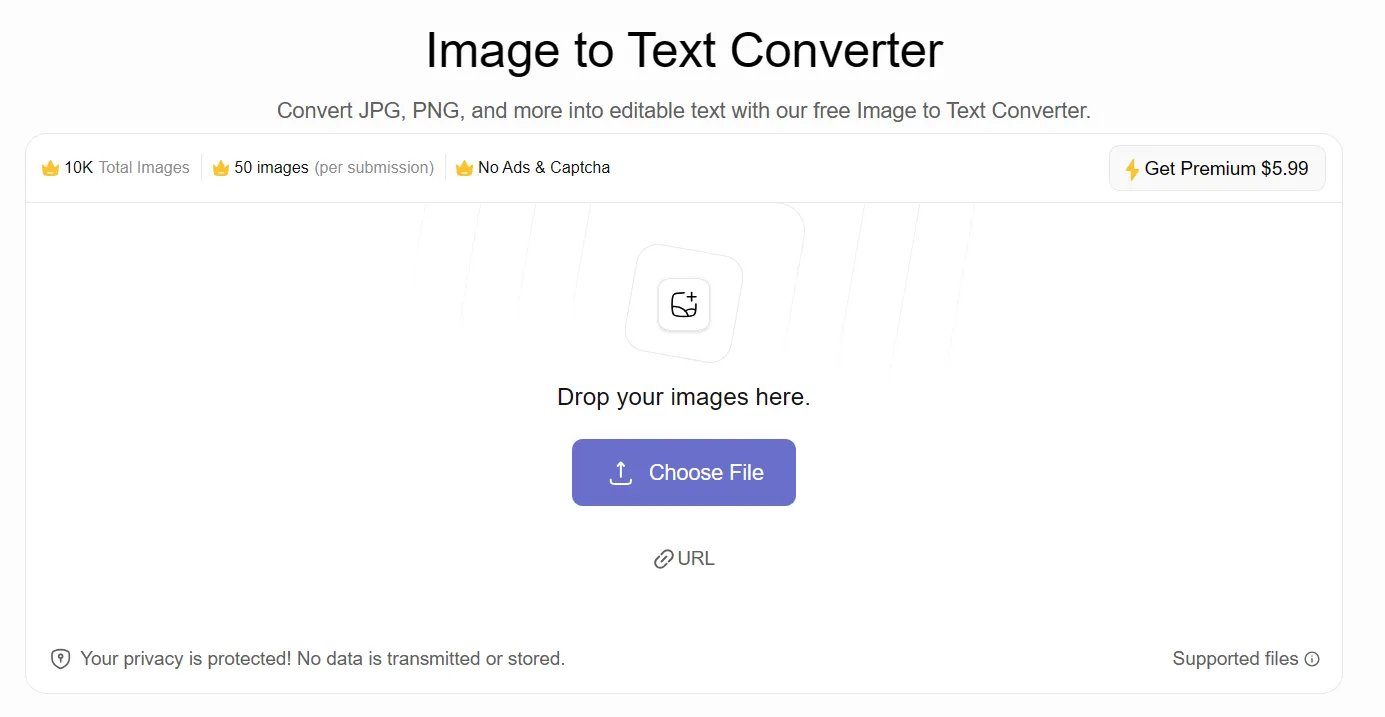 A lot of freelancers receive information/data in the form of photos, handwritten notes, or scanned pages. Handling and storing text files is a lot easier than image files. With this tool, you can easily convert images into editable and shareable text files within a couple of seconds.
Important Qualities
- Accurately extracts text from images.
- Capable of extracting text from handwritten notes, screenshots, PDF files, etc.
- Works in any browser with no signup requirement.
Online Notepad
This is an online notepad and text editor that works directly in the browser. It gives you a clean page where you can quickly write, paste, and save text files easily without
downloading or installing anything.
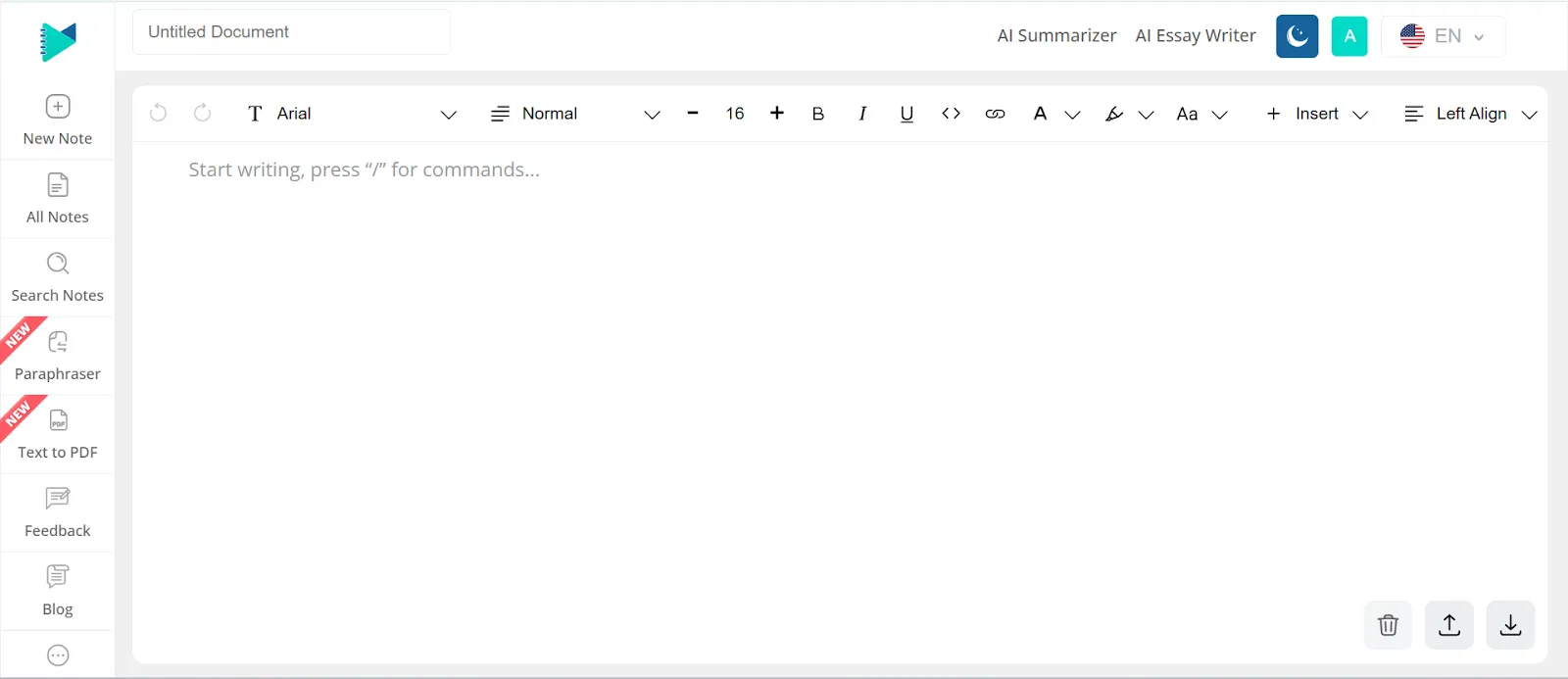
This is more useful to freelancers than one might think. As a freelancer, sometimes you feel the need to write down something that you can access later anytime. Moreover, you also need a place where all of your notes are organized.
This tool loads quickly and provides you with a tidy interface to jot down your thoughts and other important information.
Important Qualities
- A simple online notepad that doesn’t overwhelm you with options.
- The autosave option keeps your notes saved, even if you accidentally exit the tool.
- Instant availability across devices without installing anything.
- Text editing options for quick formatting or cleanup.
- Easy export or copy options for moving your notes into other apps.
Image to Excel Converter
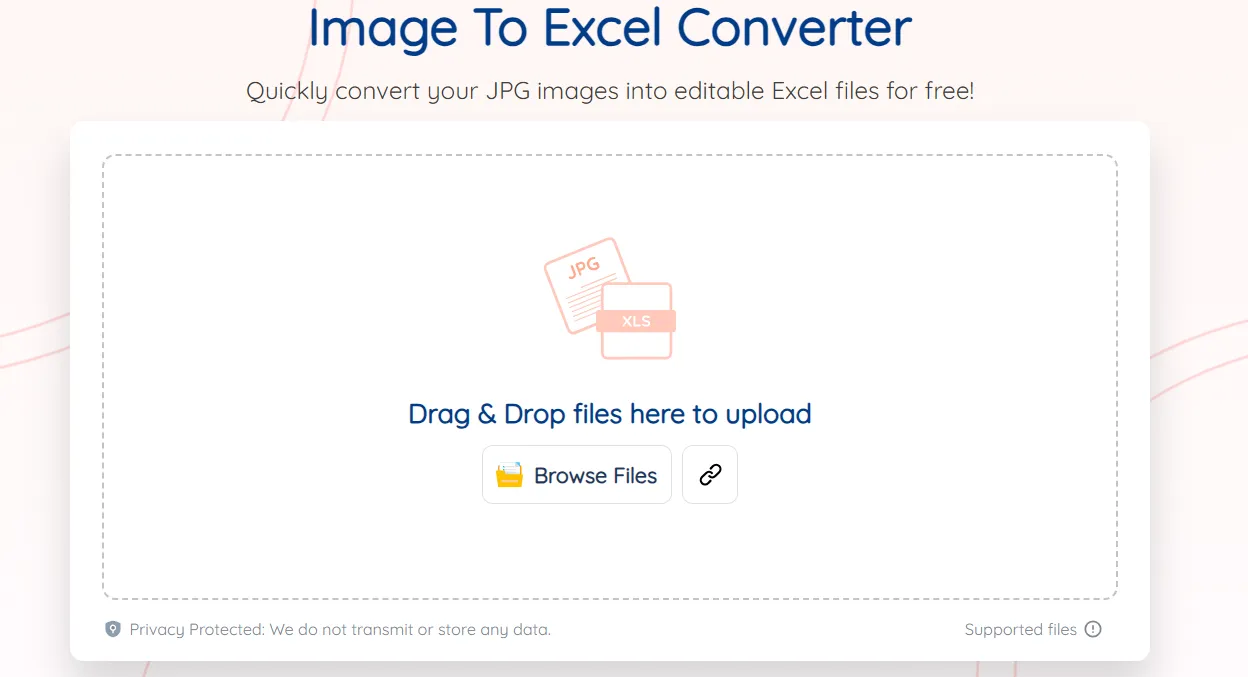
The Image to Excel Converter comes in handy when you get data that is in columns and rows. A lot of clients send images containing tabular data. It may be a photo of a receipt, a chart from a report, or a screenshot of some numbers they want you to just put into Excel really quick.
You need to transcribe everything and verify every row and column to ensure accuracy. But with this tool, you can avoid all of this. It automatically extracts the data from images and turns it into Excel sheets while keeping the original structure of columns and rows intact.
Important Qualities
- Converts tables from images into Excel sheets.
- Saves hours of manual data entry.
- Supports receipts, screenshots, scanned docs, and general table images.
- Keeps the row/column structure mostly consistent.
- Works online, no software setup or signup needed.
Image to Word Converter
The Image to Word Converter is very handy when you need to organize image files. It basically takes an image and inserts it into a Word document so you can edit it easily.
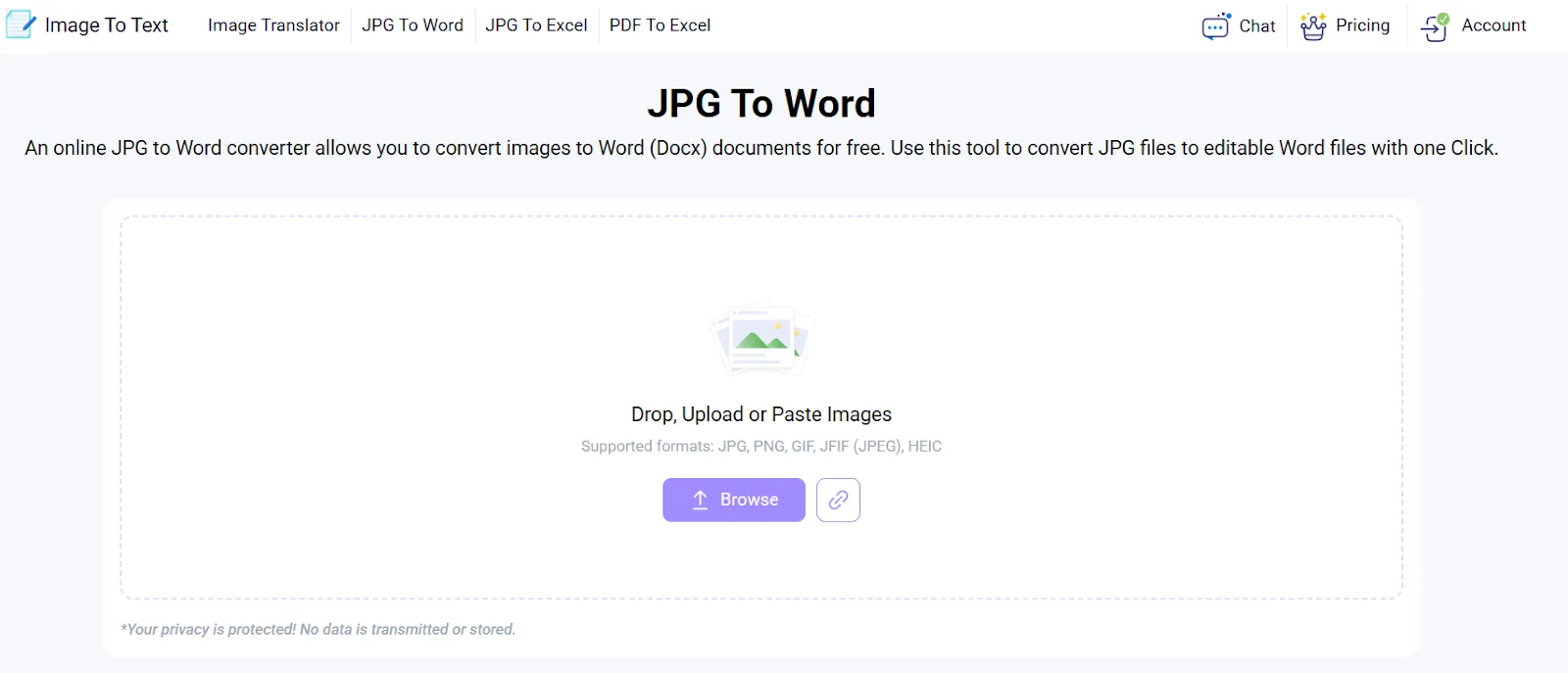
A lot of freelancers get images from clients that need small tweaks. For instance, the image may need to be resized, annotated, or combined into a single file. Doing that inside a Word file is way easier than juggling different apps.
Sometimes clients also prefer receiving everything in a Word file because it looks neat and allows collaboration through commenting. The tool skips the boring part of converting images and gives you a clean file that everyone can use right away.
Important Qualities
- Quickly converts images into Word files.
- Image quality remains intact. It does not compress file size or image resolution.
- Works on all web browsers and devices, including laptops, Macs, and mobile devices.
- Useful for freelancers who need to present visuals in client documents without installing heavy software.
Text to PDF
Freelancers deal with a ton of text. For instance, notes, drafts, instructions, short summaries, and client deliverables, and you have to save all this in a clean format.
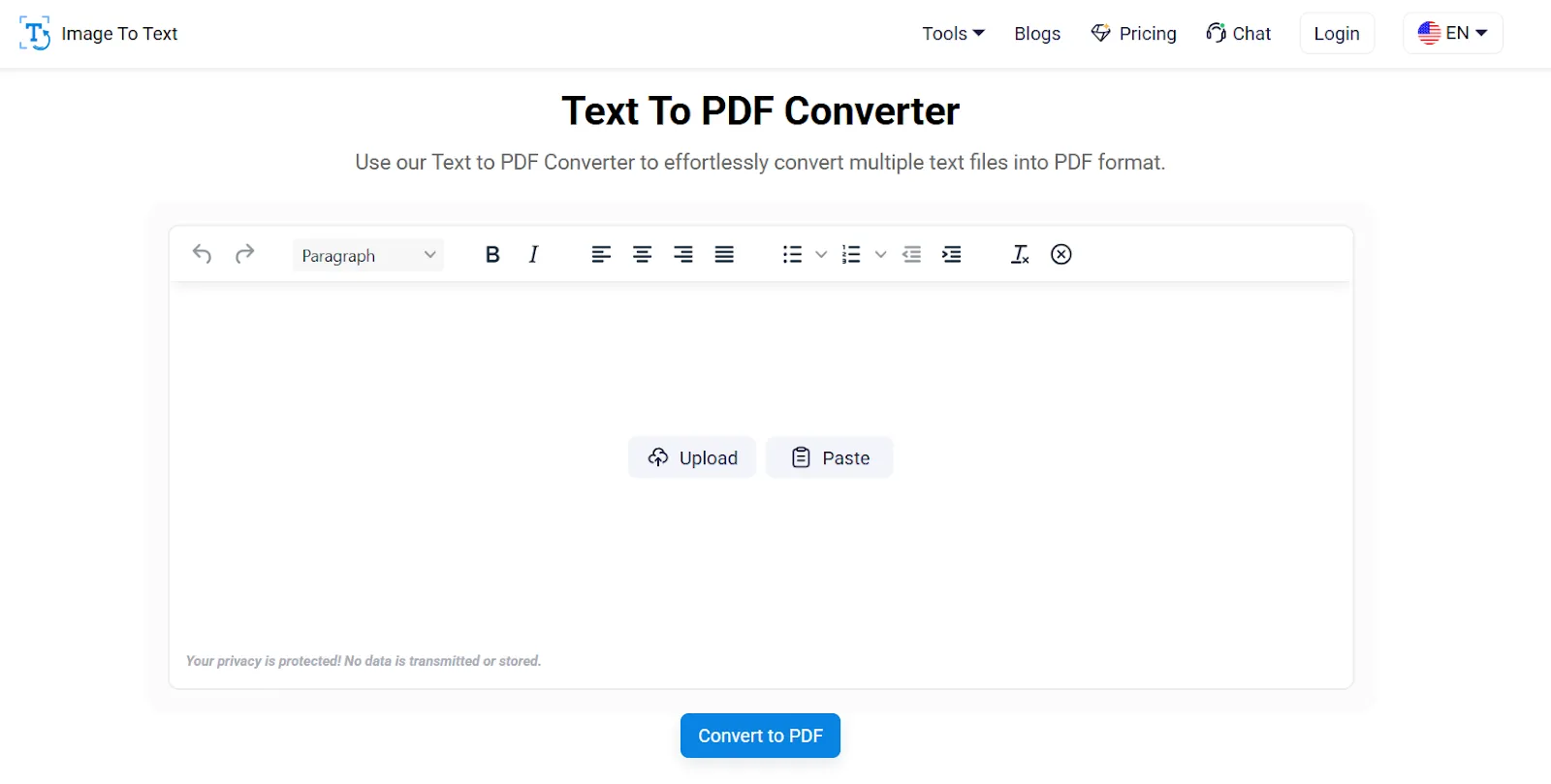
Sometimes a client wants a clean PDF version for printing or sharing. That's precisely what this tool does. It converts your text into a tidy PDF file without requiring you to launch a full document editor.
For freelancers who work with quick content pieces, small documentation tasks, writing samples, or even formatted messages, this is pretty handy. You simply paste your text, set the layout if needed, and download the PDF.
Important Qualities
- Converts plain text into a ready-to-share PDF.
- Keeps formatting clean and consistent across devices.
- Good for reports, summaries, notes, and small deliverables.
- No signup or complicated editor involved.
Article Rewriter
The Article Rewriter is useful when you need to refine your existing content without altering its original context. Many freelancers deal with this almost daily. For example, rewriting a draft that a client sent or creating a cleaner version of something that sounds too robotic.
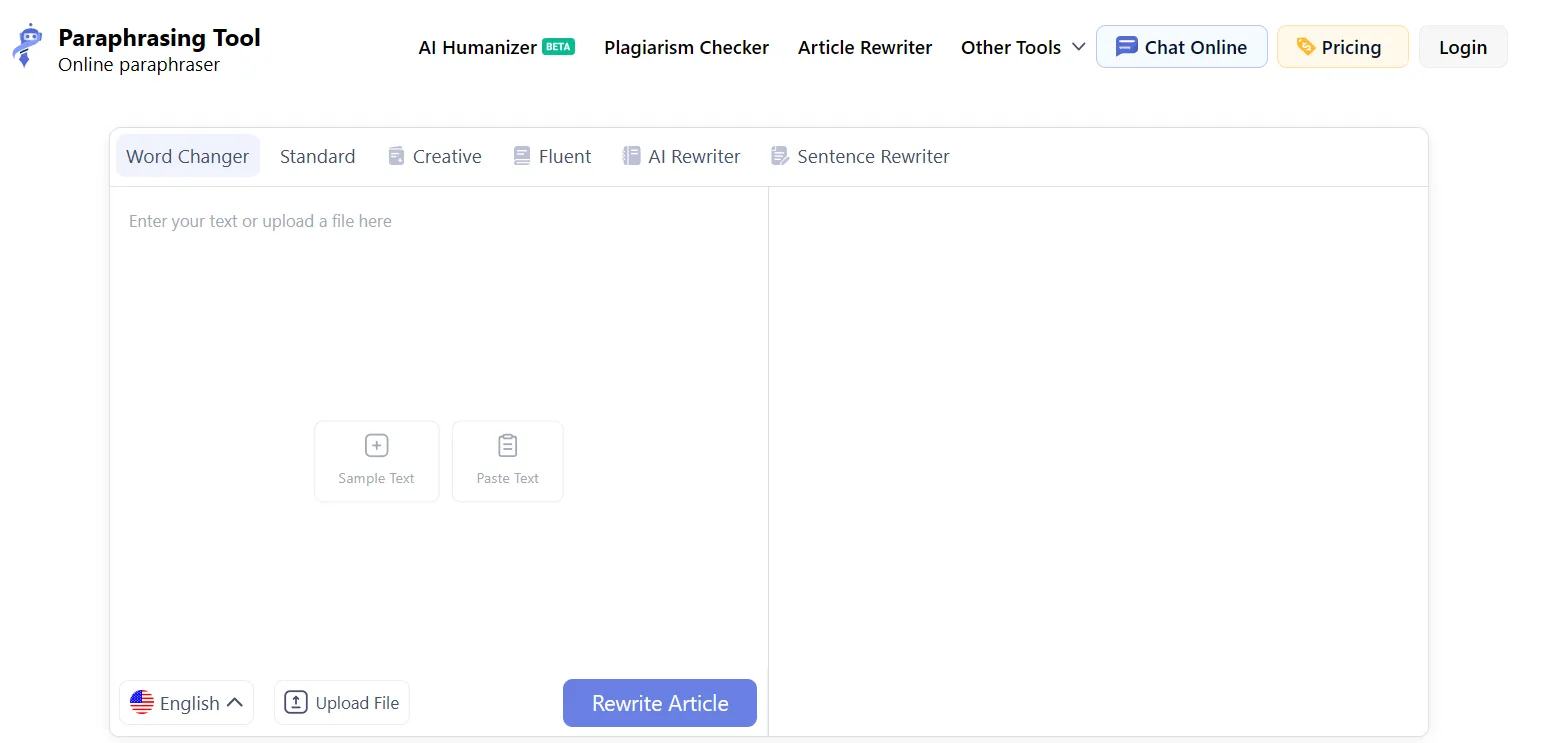
Doing this manually takes time. You read every line, try to change sentences without losing the point, and then check again to make sure it still sounds natural. This tool skips most of that effort. You just paste your text and choose the preferred rewriting tone like creative or fluent. After that, the tool will rewrite the text instantly into your preferred style.
Important Qualities
- It can rewrite articles and paragraphs while keeping the original meaning.
- It provides multiple rewriting modes, including Word Changer, Standard, Creative, Fluent, AI Rewriter, and Sentence Rewriter.
- It is useful for blogs, reports, descriptions, and general web content.
Plagiarism Checker
Plagiarism Checker is very useful for freelance writers. Content originality and uniqueness are two of the important factors. Those who write content like blogs, guest posts, web copies, and reports can check their content with this tool to ensure the uniqueness of the content.
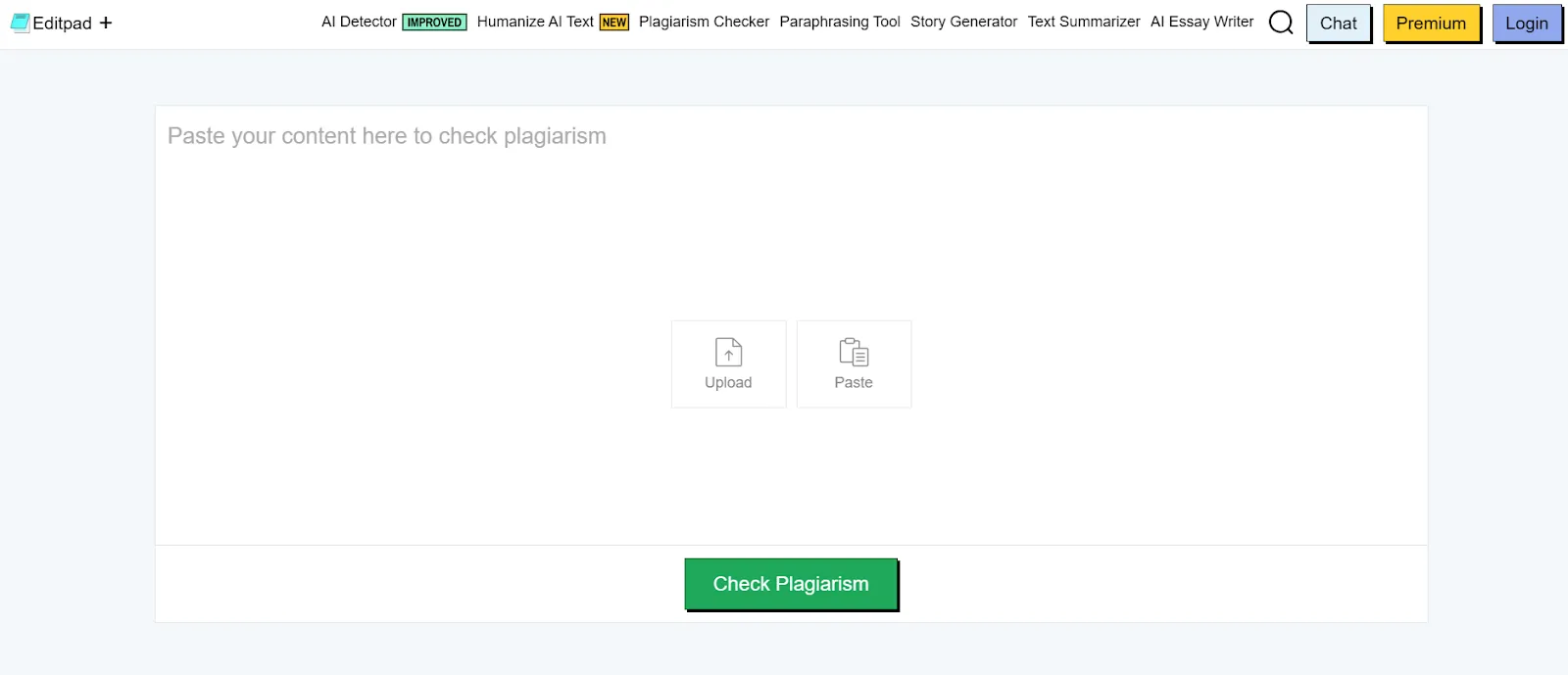
That's not always because you copy others' content. There are chances that even if you write the whole content on your own, some of the structure or phrases may unintentionally match with the already published online content. So, by checking the content for plagiarism, the risk of accidental matching goes away. This tool becomes more critical when a client demands 100% unique content.
Important Qualities
- It can scan your text against online sources for similarity.
- Highlights matching lines or sections along with sources.
- This tool provides a uniqueness percentage you can share with clients if needed.
- You can check articles, reports, assignments, product descriptions, and more.
Wrapping it Up
Freelancing gets easier when you remove the repetitive tasks that slow you down. Most of the time, it’s not the big project that eats your hours, it’s the constant switching between apps, rewriting small pieces of text, fixing formats, or typing something that should have taken two seconds. The tools discussed above help you quickly do all such tasks and save your valuable time and enhance productivity.
When you use the right tools, you can work faster. You handle more clients without feeling overwhelmed. And you get more time to focus on the actual work that brings you money. Start with the tools you need the most and build your workflow from there. Small changes make a big difference when you’re working every day.